
Music for Twitch
Free Music for Twitch Streamers
Royalty-free, stream-safe music made for Twitch creators. Use Jelly Beatz in your live streams and VODs for free, with no subscription and no attribution required.
Why Twitch Streamers Need Licensed Music
A listening subscription from Spotify, Apple Music, or another music service does not automatically grant permission to broadcast that music publicly in a Twitch stream. A stream is its own use case, and creators need the appropriate rights for the music they include.
Jelly Beatz is made for creators who need background music without adding another monthly bill. The Jelly Beatz License Agreement sets out the allowed uses for published music, including the creator-focused uses described on this site. It is written to make the practical side clear: choose music that fits your stream, then use it within the agreement.
This page is a practical overview, not legal advice. For the full terms, read the Jelly Beatz License Agreement.
What You Can Do With Jelly Beatz on Twitch
Jelly Beatz music is available for Twitch live streams and Twitch VODs. It works as background music while you play, chat, create, or bring your community together. The music is royalty-free, non-exclusive, and available worldwide for the allowed creator uses described in the License Agreement.
You do not need a subscription to use the published music, and you do not need to add attribution. That leaves you free to build a soundtrack around your own channel identity instead of managing a credit line or another service account. Browse the playlists above, play a track, and choose the mood that supports your show.
Before using music in a new format or project, check the License Agreement for the full permitted-use terms.
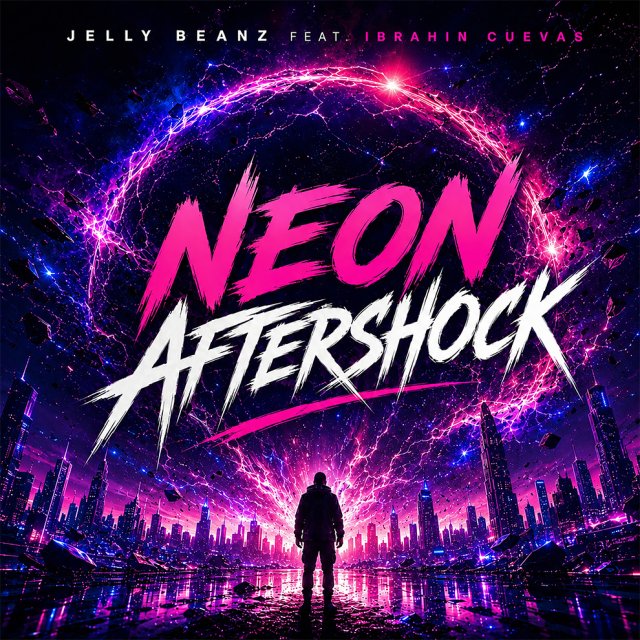
Latest release
Neon Aftershock
Royalty-Free Does Not Mean Copyright-Free
Jelly Beatz music is copyrighted. “Royalty-free” does not mean that the music has no copyright, that it has entered the public domain, or that it can be reused without limits. It means creators can use the music under the Jelly Beatz License Agreement without paying ongoing royalties for the permitted uses.
That distinction matters because it keeps the rights clear for everyone involved. Jelly Beatz retains ownership of the music, while creators receive permission to use it in the allowed contexts. The agreement is your reference for what that permission covers.
What About Twitch VOD Mutes?
No music service can promise that an automated recognition system will never make a mistake. Twitch may occasionally mute part of a VOD when its audio system incorrectly matches a Jelly Beatz track with another song. That is a false positive, not a change to the permission granted by Jelly Beatz.
If this happens, use the Jelly Beatz License Agreement as evidence that you are allowed to use the track, and follow the available steps in your Creator Dashboard. The FAQ explains the situation in more detail. There is no guarantee against every automated match, mute, or claim, but the license gives you the documentation for permitted use.
Twitch Questions
Can I use Jelly Beatz music on Twitch for free?
Yes. Published Jelly Beatz music can be used for Twitch streams under the Jelly Beatz License Agreement, with no subscription required.
Do I need to credit Jelly Beatz?
No. Attribution is not required for the permitted creator uses.
Can I use Jelly Beatz music in Twitch VODs?
Yes. Twitch VODs are included among the allowed uses described for Jelly Beatz music.
What should I do if Twitch mutes part of my VOD?
Keep the Jelly Beatz License Agreement as proof of your permitted use and follow the available Creator Dashboard process. Read the FAQ for more context.